
iPhone Duo vs. My Disney Experience and Disneyland Apps: Is it Really that Bad?


Apple’s iPhone Duo has officially arrived around the world, inviting tech nerds and everyday consumers into a new era of the iconic device. However, with the new screen sizes, some applications aren’t looking particularly polished in every way. Let’s take a look at Disney’s Disneyland and My Disney Experience apps and see how they fare on the new device.
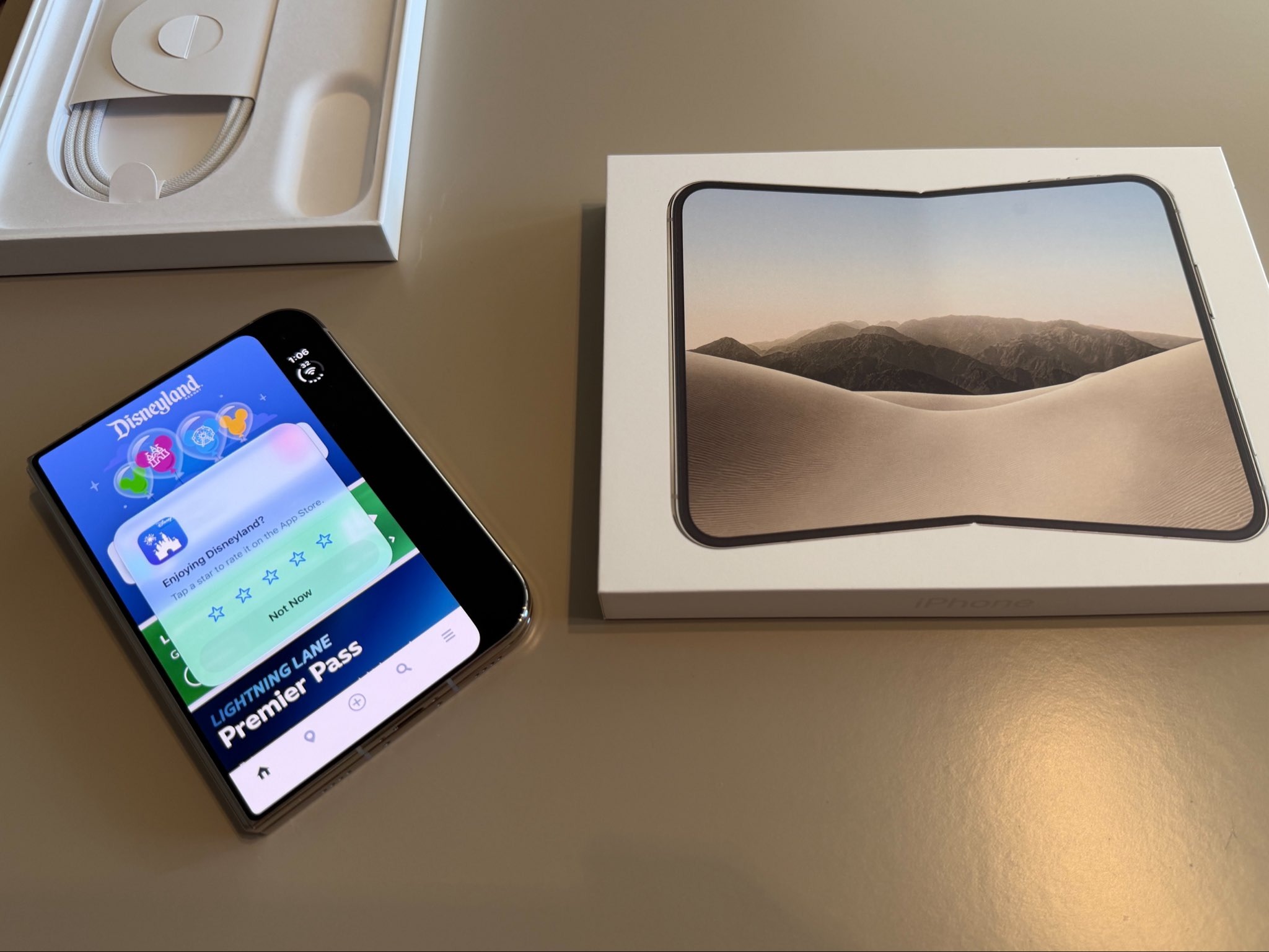
Today, October 23rd, was a very important day for nerdy Maxon. Having always been a tech nerd, the iPhone Duo is genuinely the most excited I’ve been for an Apple product to debut since the iPhone X. However, I was admittedly on the fence about whether to upgrade to the new device. Sitting in the highest price point ever for an iPhone, the Duo arrives with shortcomings. This includes its camera setup, its battery, and a brand new design that many applications are not yet equipped to run on.
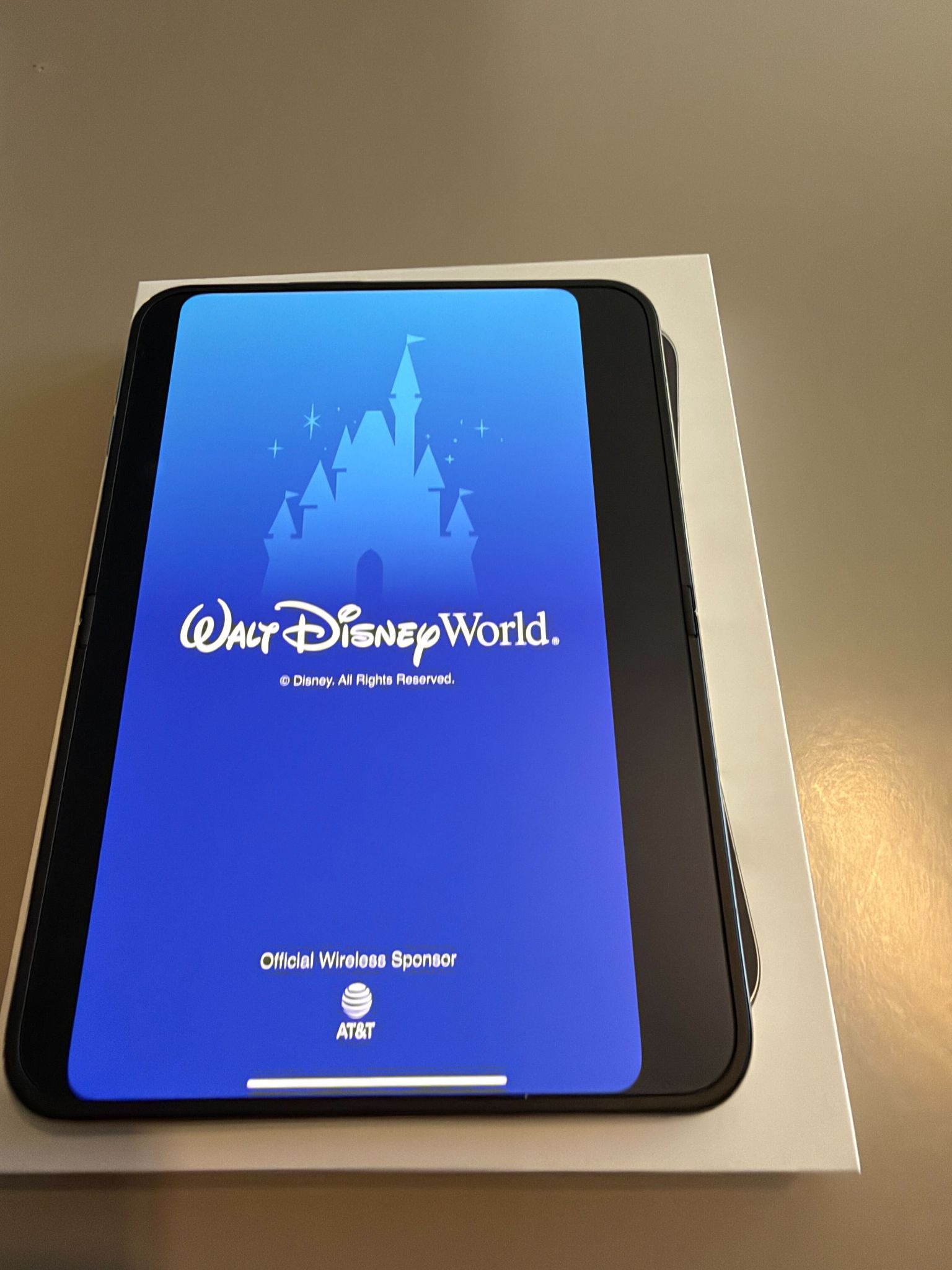
For Disney fans who are planning on picking up the Duo, let’s have a little chat. While fully functional on the iPhone Duo, the Disneyland and Walt Disney World My Disney Experience apps are far from optimized for this new device. Utilizing them on the smaller screen is actually a pretty decent experience. There is a large black bar on the side that allows the app's native ratio to hug into the hinge. It does look a little bizarre, but functions just like you’d expect. The display is gorgeous, so, even though it may look small for those coming from a Pro Max, it feels natural (minus the strangely curved corners on the right side of the app).
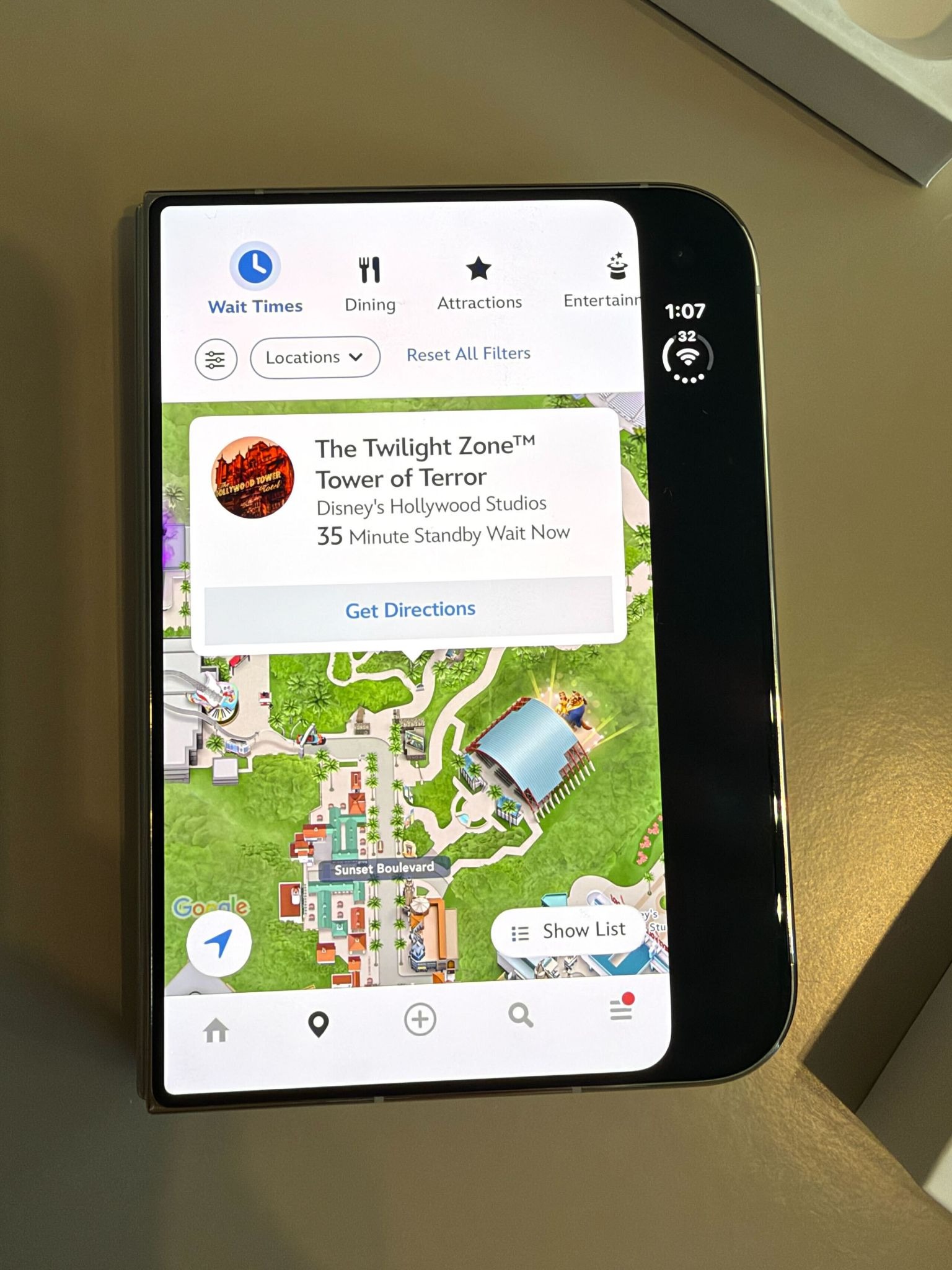
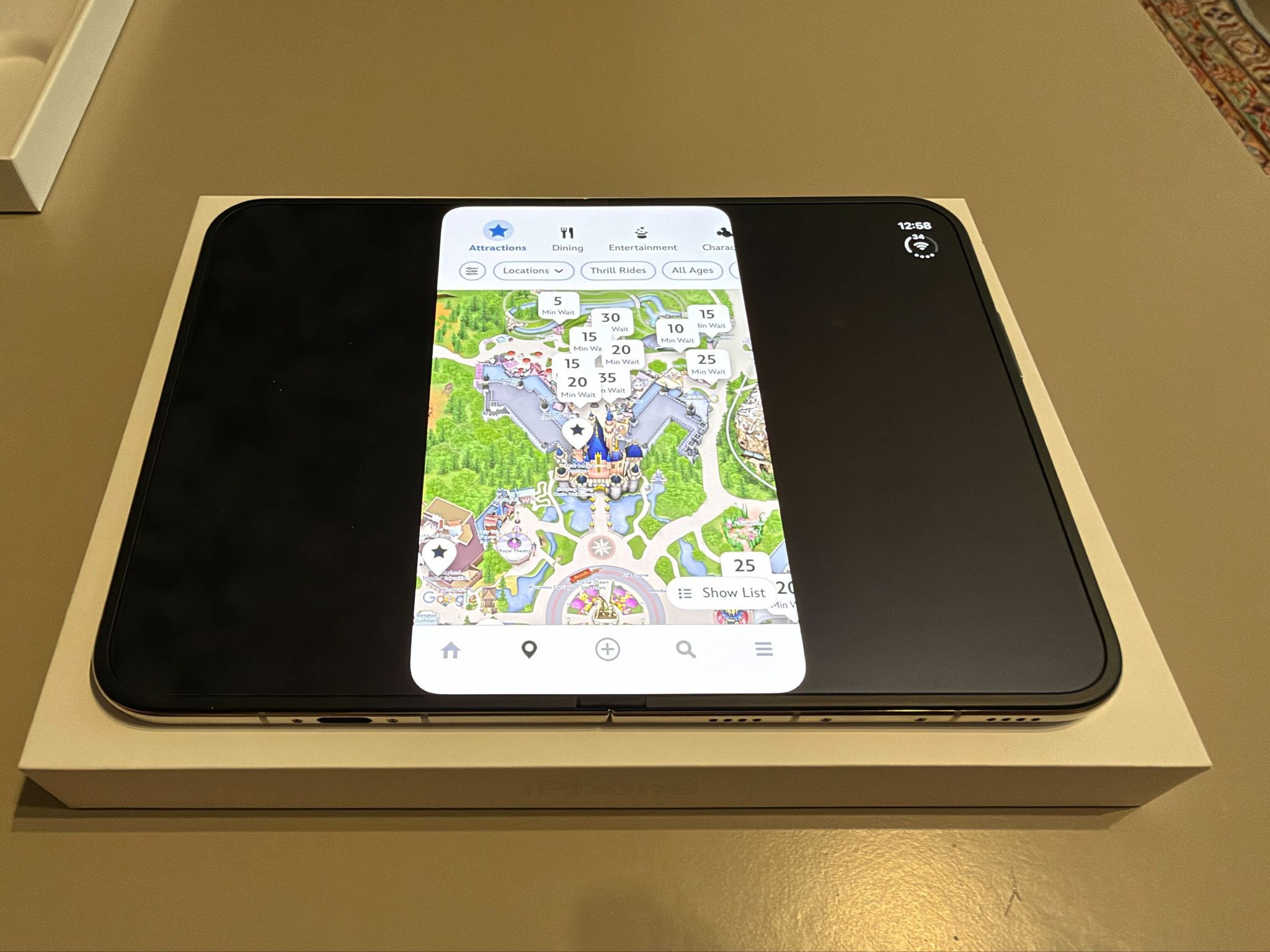
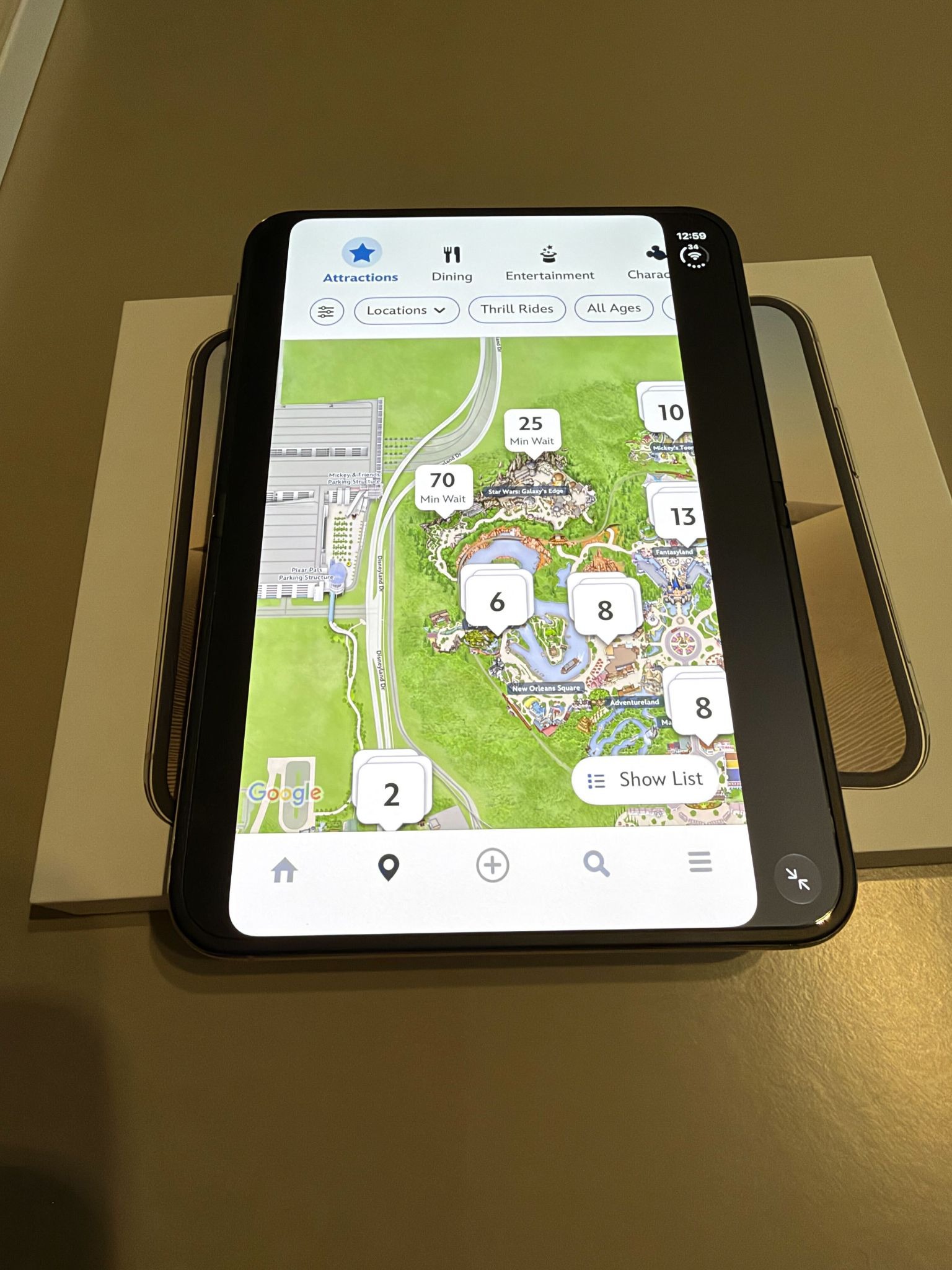
Opening up the phone is where things get a little funky. Again, the screen is rather compact on the front, as intended, so looking at a theme park map isn’t necessarily ideal. But, again, that’s where having a bigger screen you can flip open should work incredibly well! As of now, guests will find a pretty clunky transition between the two. Opening up the Duo has the 7.6” inward display in landscape, which places that same sized window directly in the middle of the larger screen. It looks ridiculous.
The immediate solution is to turn your Duo to portrait, but even that leaves you with a similarly small sized window in the middle of the screen.
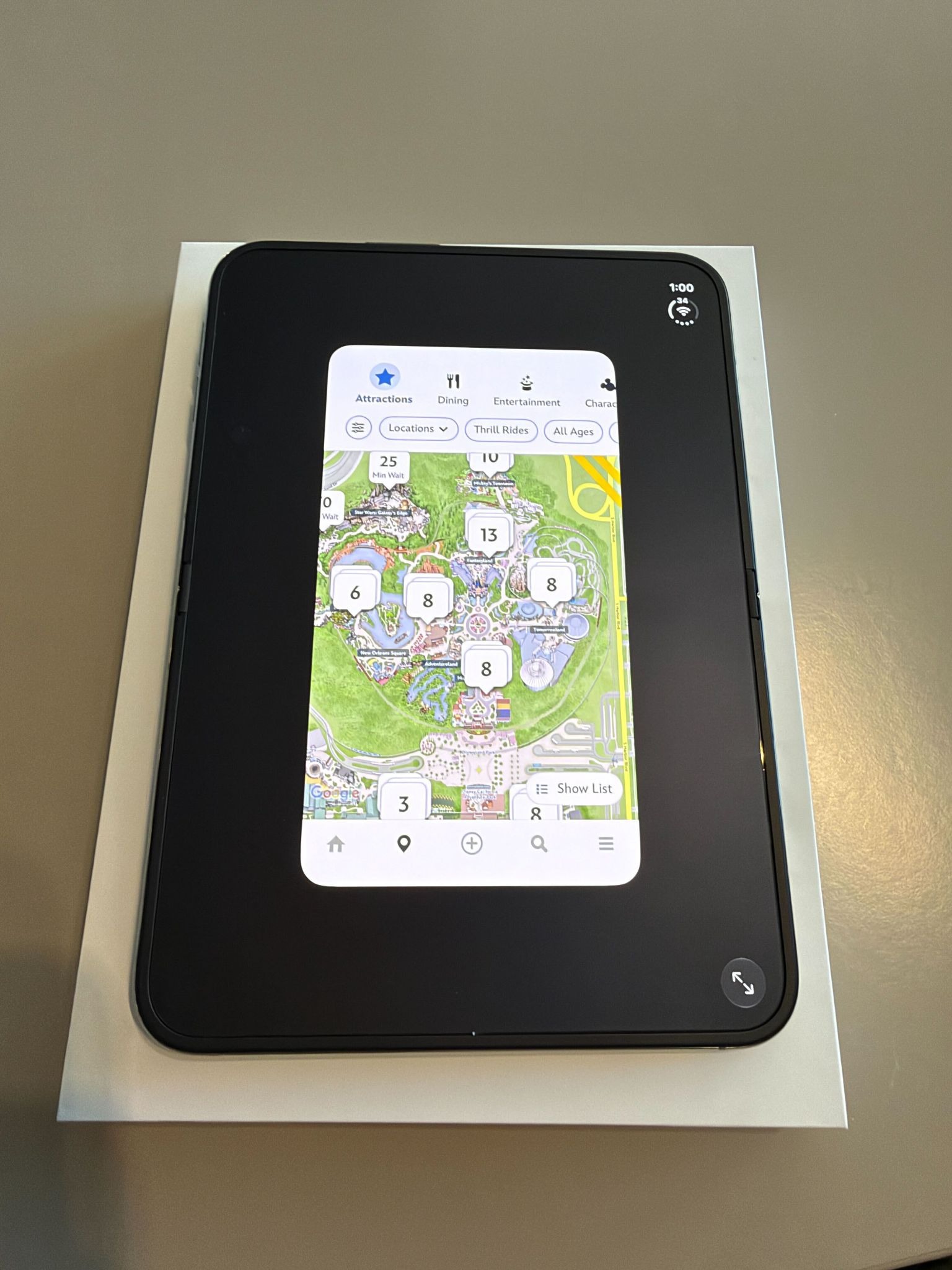
In the lower right-hand corner, there is an expand icon which forces the app to zoom into the upper and lower bezels of the screen. It still doesn’t fill out the entire display, but functions as it would on any other device. Again, having it be strangely off center because of the side bar feels a bit, well, bad.
Now, to be fair to Disney, this is not an exclusive problem to these apps. Many popular third party applications currently look a mess on Apple’s premiere folding iPhone, but that doesn’t mean they have to forever! If Disney chooses to optimize their Disney Parks mobile experiences for the iPhone Duo, they have an opportunity to add tons of charm to the experience. I mean unfolding your phone like a paper park map could be a very cool effect in the future! With the larger inner display, fans could experience interactive lists of attractions while getting to explore the full park map rather than explore a sliver of it at a time.
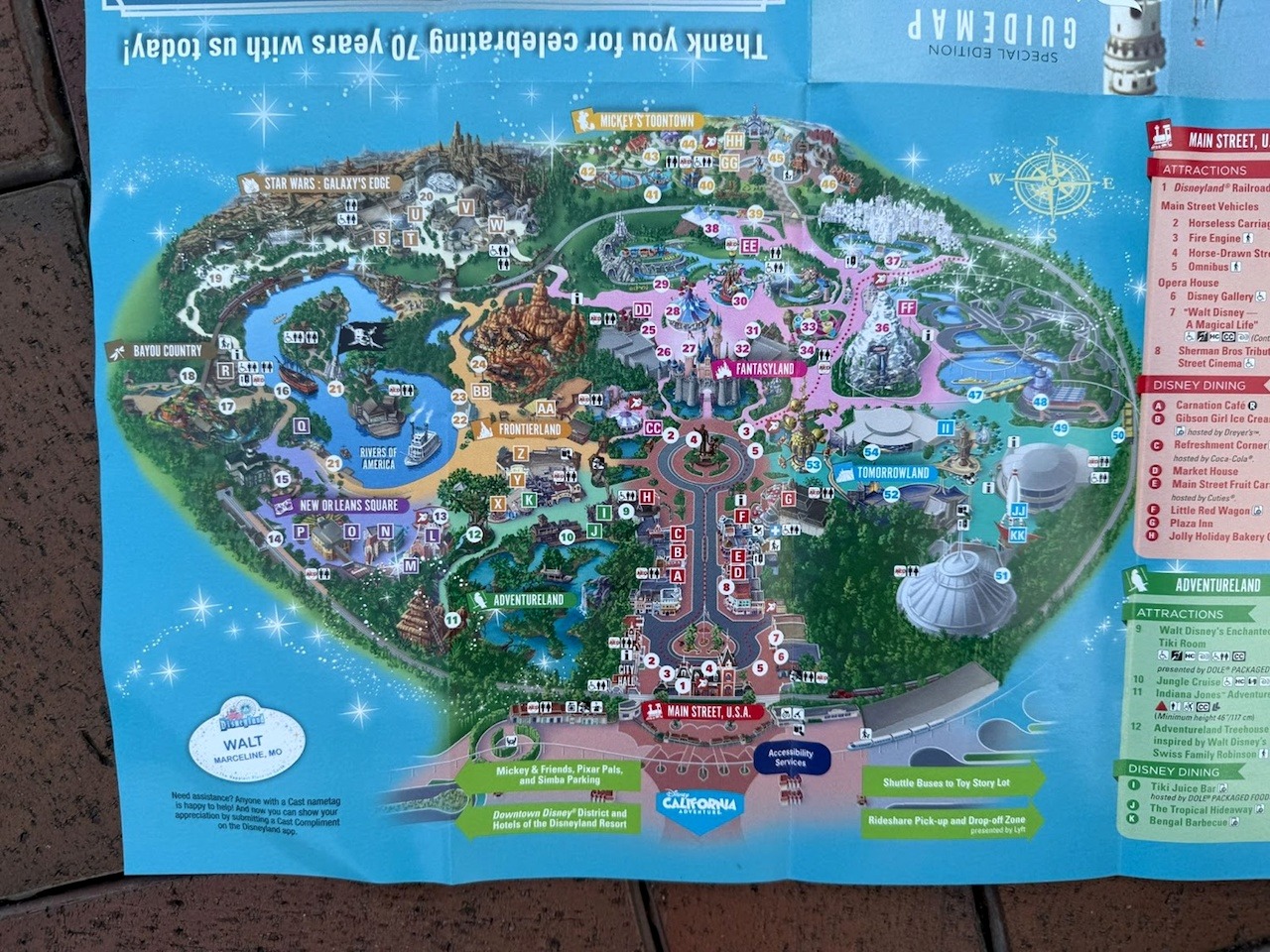
Additionally, with the sunsetting of the Play Disney Parks app, the game-ified and interactive aspects could find more use on the larger screen. I also would love to see Disney do their best Google Maps impression, giving fans the ability to map out the fastest route from one experience to another all within the iPhone Duo version of the app.
Regardless, it’s an exciting day for tech fans, and it will be so much fun seeing all of the new ways Disney can utilize this new device.
Quick Review:
While I weaved an opinion on the phone here and there throughout this article, some of you may be wondering if the iPhone Duo is right for you. Right off the bat, if the way the Disneyland and MDE apps look bothers you significantly, I would caution you to wait. Adopting a first generation device is a bit like being in a beta test. First party applications are gonna be mostly seamless, but those third party apps may take months, if not years, to catch up. Be prepared for being an integral part of that transition.
If you’re a person who values having the best camera setup on a phone, the Duo isn’t gonna meet your expectations. While still very capable of taking high quality pictures and videos, you’ll definitely notice the lack of a telephoto lens and the abysmal inner display camera. But, if you aren’t taking cinematic 8X zoom clips, you might not really notice a major difference.
Where the Duo shines is this unique purpose you feel when using your phone. It never feels casual, it’s always a choice. The smaller screen is great for checking notifications, quick tasks, and maybe the occasional doomscroll. But the inner display forces you to commit. It makes just picking up your phone feel like more of a decision in a way that feels intentional. And, it’s just really fun! While I imagine it’ll be difficult to pick one up in the short term, if you are considering upgrading, I implore you to go check it out!
Read More Disney Parks: